AppConnect
AppConnect allows you to create apps that are pre-deployed on /IOTCONNECT™. You can customize these IoT solutions according to your needs and offer them to your consumers.
Click on Create Product and select software. You will get the following screen:

(Screen: Product Management_AppConnect)
Select AppConnect to use AppConnect module.
You will get the screen as given below:
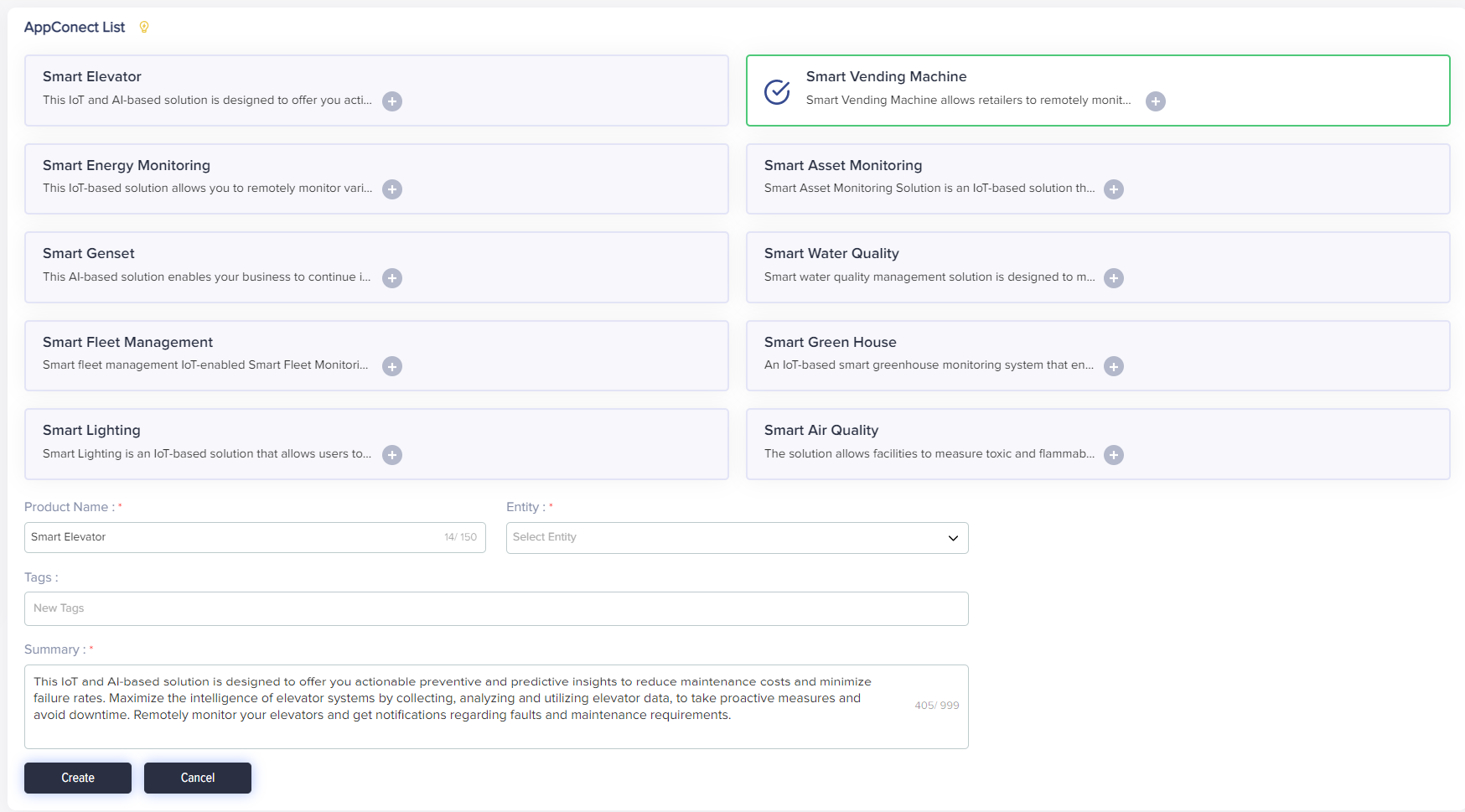
(Screen: AppConnect_List)
You can select the solution from the list and get the details of the solution. Once you click Create, you will get the option to view and create environments for the solution.
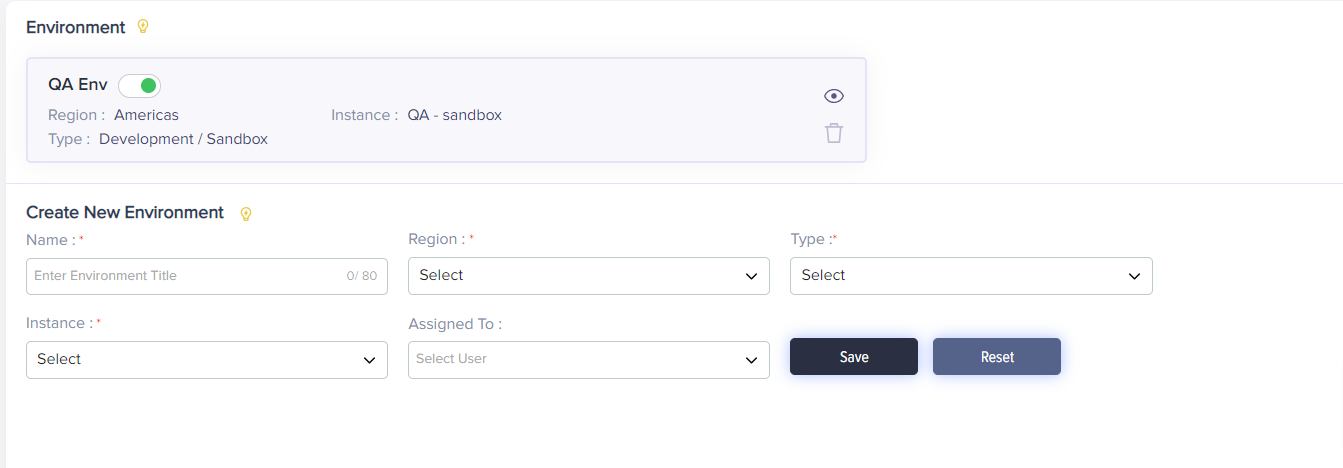
(Screen: AppConnect_Environment)
Click on the eye icon to view the details of the associated environment that has already been created in the system. You will also get an option to download the configuration file of the solution within the details of that environment.
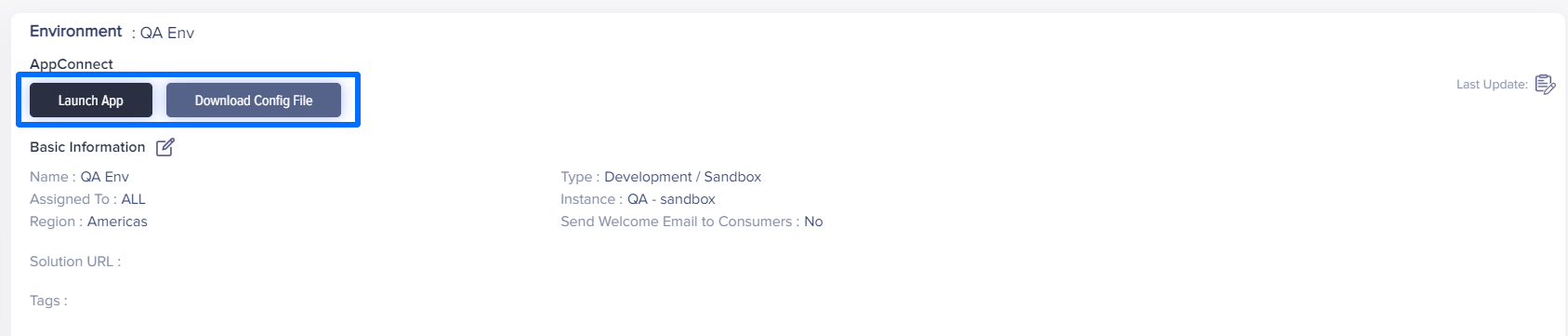
(Screen: AppConnect_Config. File)